Potholes don't count against you.
Bumps from potholes and speed breakers are filtered out of your smoothness score. And if GPS shows you didn't really slow down, a jolt isn't counted as a hard brake.

Your phone already knows how you drive. Drively turns what it senses into a score you can understand and improve.
GPS measures your speed and route. The motion sensors feel every brake, turn and pull-away. Drively also notices when the phone is picked up and used while the car is moving.
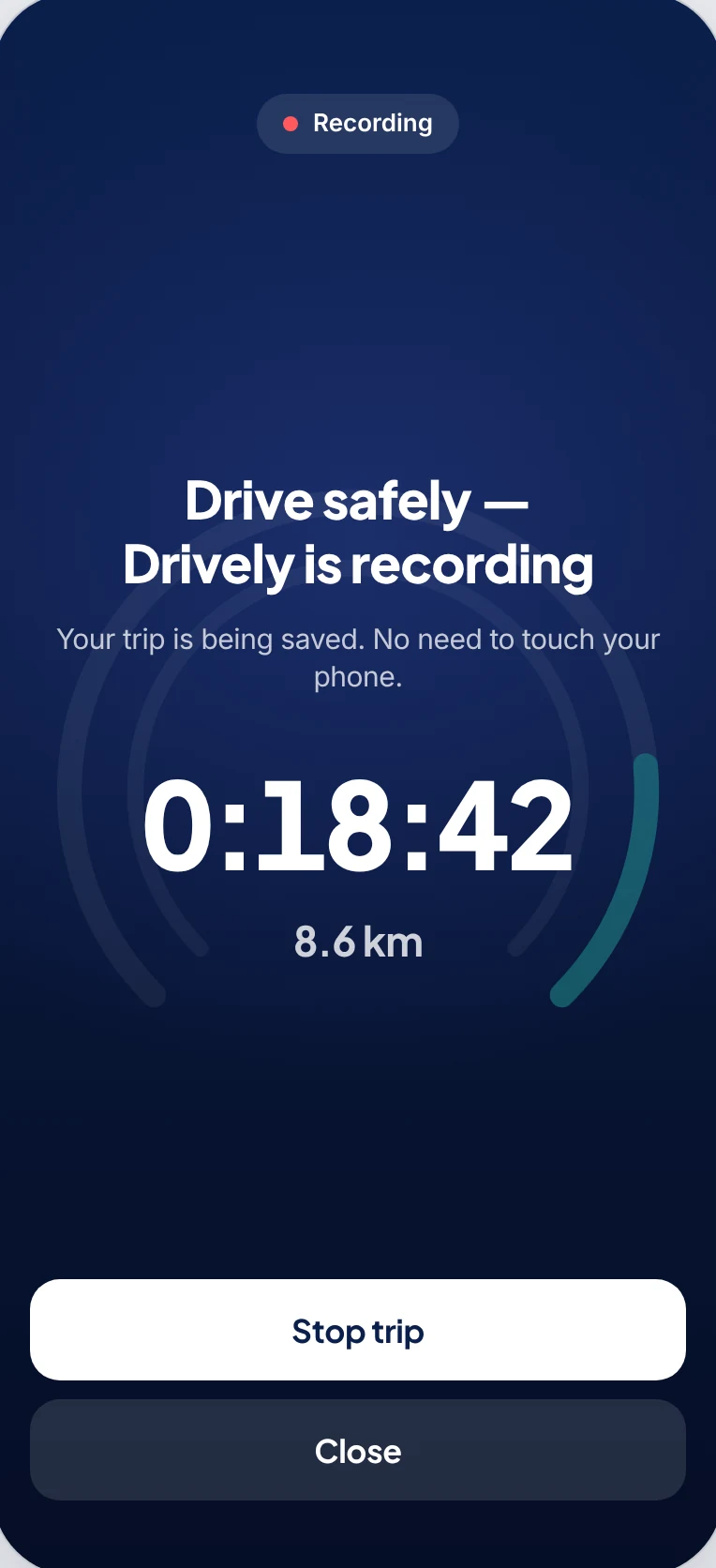
On iPhone, Drively can start recording when it senses a drive. On Android, you tap Start before you go; automatic detection arrives in an update. Either way, you never need to touch the phone while driving.
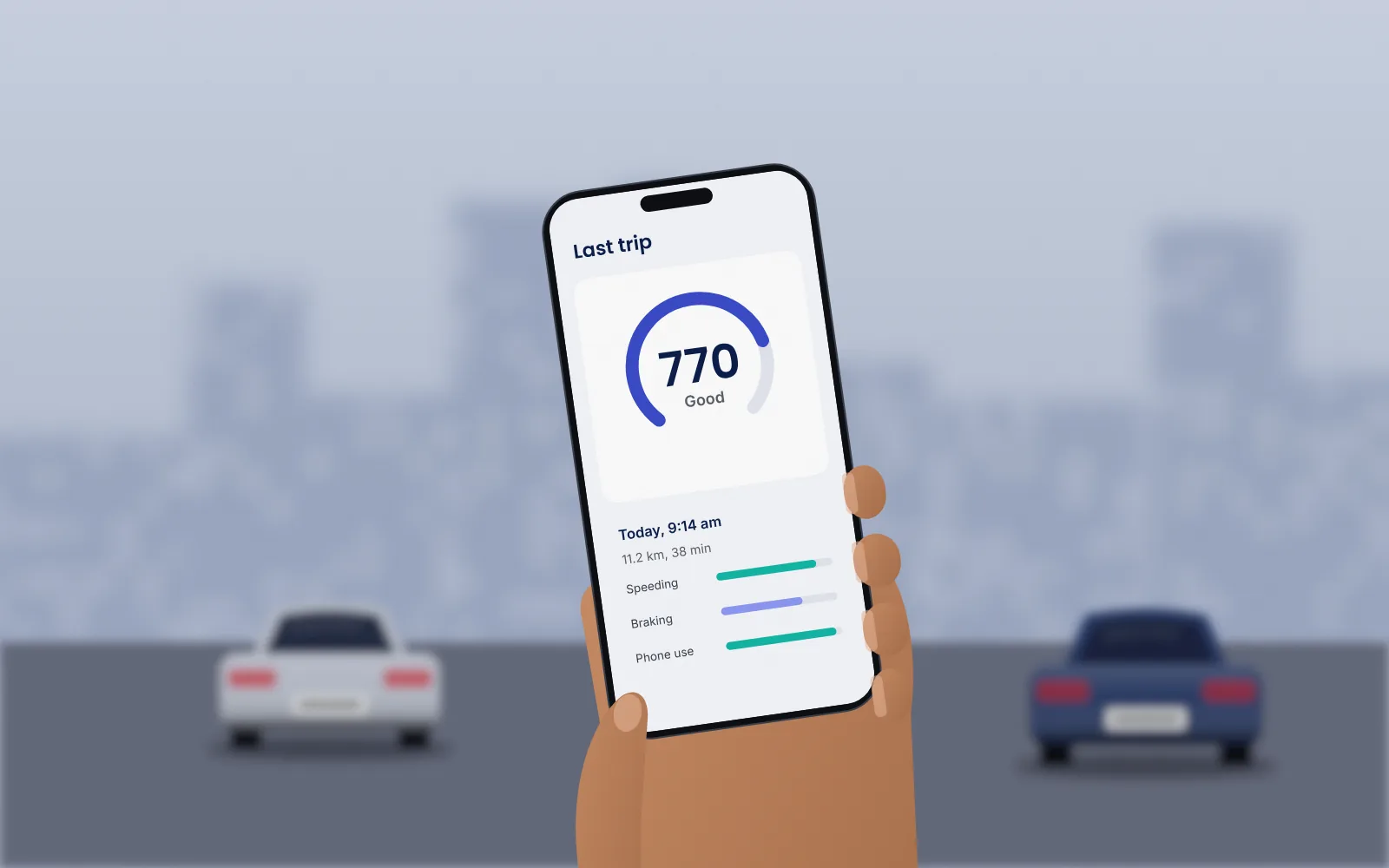
When you park, your phone scores the trip straight away and marks it Provisional. Shortly after, Drively checks it against the speed limits of the roads you drove on and marks it Final.
Your Driver Trust Score blends your recent trips. Recent drives count more than old ones, longer drives count more than short hops, and one bad trip can't sink you.
Speed limits come from map data, which isn't perfect. Where we only know the road type, not the posted limit, the app says so and judges you more generously. If a limit looks wrong, you can report it from the trip.
Each habit gets its own score out of 100, so you know exactly what to work on. Here is what counts against each one.
Time over the limit, and how far over.
More than 10% or 5 km/h over a posted limit, whichever is more, for 5 seconds or more. Where only the road type is known, the allowance is 15% or 10 km/h. The further over you are, the more each second counts.
Tip from the appKeep to posted limits, especially where limits drop near towns and schools.
Hard brakes per 100 km.
Slowing at 3.5 m/s² (about 0.36 g) for 0.4 seconds or more, above 10 km/h. If GPS shows you didn't really slow down, it isn't counted. More braking is expected in the city than on a highway.
Tip from the appLook further ahead and leave more space so you can slow down gently.
Seconds spent handling the phone while the car is moving.
Handling an unlocked phone, or holding a call to your ear, for 3 seconds or more above 10 km/h. A phone picked up at a signal doesn't count. Mounted navigation and hands-free calls don't count either.
Tip from the appSet navigation and music before you start, and keep the phone in a mount.
Hard accelerations per 100 km.
Speeding up at 3.0 m/s² (about 0.31 g) for 0.4 seconds or more, checked against GPS.
Tip from the appBuild speed smoothly — it saves fuel too.
Sharp turns per 100 km.
A sideways force of 3.5 m/s² (about 0.36 g) at 15 km/h or more, checked against the direction GPS says you turned.
Tip from the appSlow down before the turn, not in it.
How jerky the drive feels to a passenger.
How sharply your speed and direction change from moment to moment. Up-and-down movement is removed first, so potholes and speed breakers don't count.
Tip from the appGentle, early inputs on the pedals and steering make every trip smoother.
Every new driver starts at 650, and your own driving moves it from there.
| Score | Band |
|---|---|
| 800–900 | Excellent |
| 700–799 | Good |
| 600–699 | Fair |
| 300–599 | Needs attention |
Before your first scored trip. The app shows no number yet.
A real number that can still move a lot, so it carries no band yet.
After roughly 100–150 km of driving, about a week for most commuters. Your score moves more steadily and shows its band.
These are choices built into the formula, not settings you have to find.
Bumps from potholes and speed breakers are filtered out of your smoothness score. And if GPS shows you didn't really slow down, a jolt isn't counted as a hard brake.
More braking is expected in stop-and-go traffic than on a highway, so each trip is scored against the right benchmark.
We judge how you drive, not when you drive. A night-shift driver is held to the same standard as everyone else.
When GPS or sensor data is patchy, that trip simply counts for less in your score. It doesn't take points away.
Tell the app you weren't driving, and that trip won't count towards your score.
Trips your phone reports as using a fake location aren't scored, and they cost you points.
Your Driver Trust Score is a measure of driving behaviour, built for feedback and coaching. It is not an insurance rating, a licence assessment or a credit score, and it doesn't prove fault in anything.
Every weight and threshold is a documented starting value. None has been fitted to crash or claims data yet. Read exactly how the score is calculated
Drively only works hard while you're driving. On a long drive, keep the phone charging if you can.
Trip files are compressed before upload, to keep mobile data use low.
Drively is now on iPhone. Your phone scores every drive from 300 to 900.
Free for iPhone. apps.apple.com/in/app/drively-safe-driving-score/id6826980716

On Android? Get it the day it launches